
An AI humanizer with “no word limit” may still limit how much text you can submit at once. Before uploading a long essay or research paper, check three separate things: the allowance across your plan, the limit on each request, and what happens to the document after the text is rewritten.
For a long academic document, the useful goal is not to fit everything into one box. It is to finish a consistent, reviewed draft without losing a qualification, breaking a citation, or rewriting the same section twice.
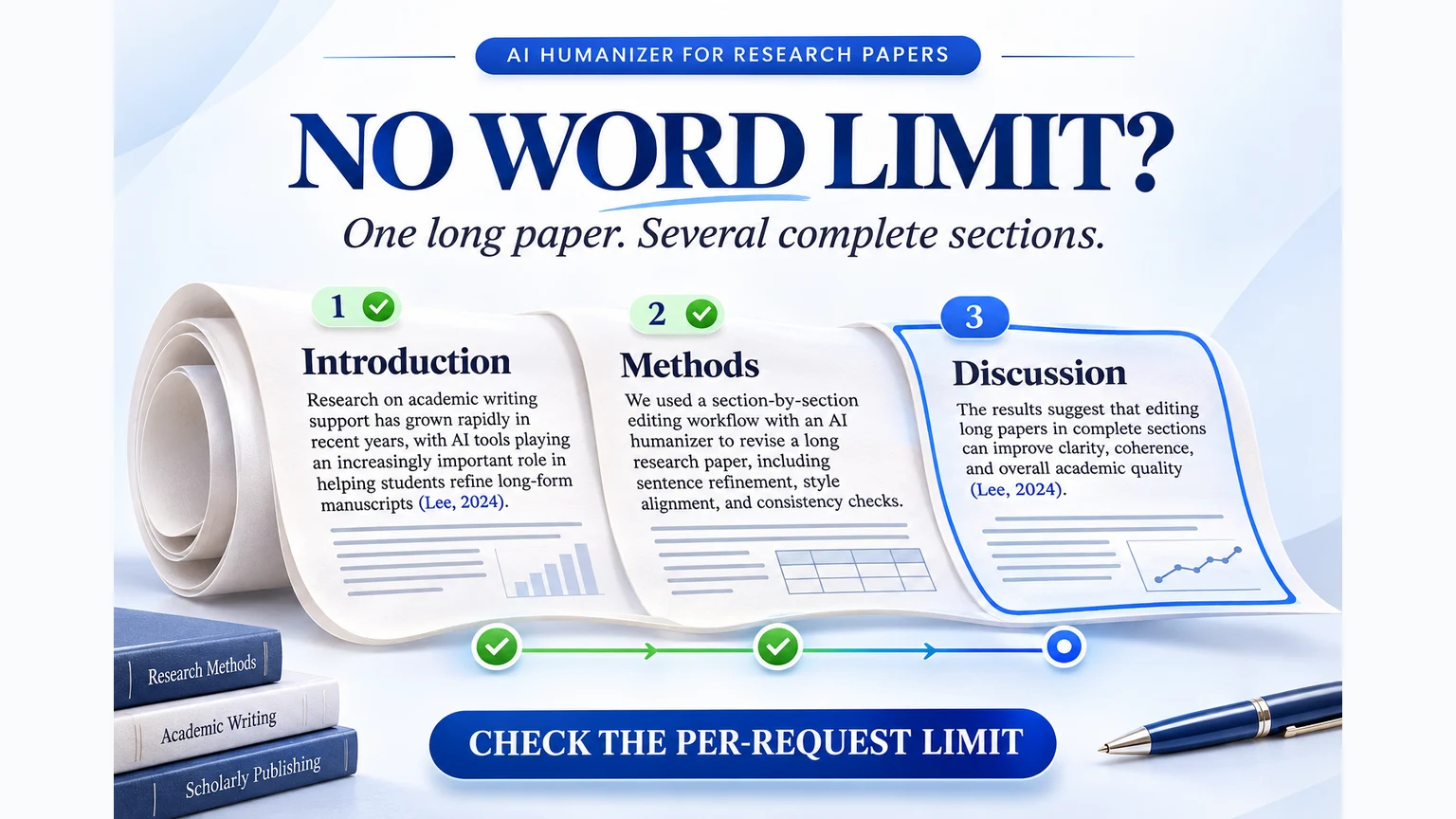
A document can be longer than a single submission. Process complete sections and keep one master draft. The sample manuscript in this illustration is conceptual.
If you want to start now, open PaperHumanizer and test one complete section. Its current limit is 10,000 characters per rewrite, including spaces and punctuation. It is a section-based option for longer papers, not an unlimited single-request editor.
What “unlimited” can mean
A monthly allowance, a per-request limit, and an access period are different quantities. A plan can offer generous total usage while still requiring multiple submissions for one paper.
| Term on a product page | The question it answers | What to check before uploading |
|---|---|---|
| No monthly word cap | How much text can I process across the month? | Whether availability or other fair-use limits apply |
| Words per request | How many words fit into one submission? | The actual counter and accepted input length |
| Characters per request | How many characters fit into one submission? | Spaces, punctuation, citations, and the pasted text itself |
| File-size limit | Can the service accept this file? | Whether extracted text also has a separate limit |
| Access for 30 days or a year | How long can I use the plan? | Whether it renews and what usage rules remain |
For a concrete example, Clever AI Humanizer currently advertises no fixed monthly allowance alongside a 3,000-word per-request limit. Those two statements can both be true. See our Clever vs PaperHumanizer comparison if you are choosing between a free general-purpose tool and an academic review workflow.
Why 10,000 characters is not 10,000 words
A character counter measures the text’s letters, numbers, spaces, and punctuation. A word counter groups text differently. Technical vocabulary, citation-heavy passages, and different languages can produce very different character counts for the same number of words.
Consider this short example:
Prior work suggests a relationship (Lee et al., 2024).
The spaces, comma, parentheses, year, and final period all contribute to its character length. For a real submission, trust the editor’s counter rather than a rough words-to-characters conversion.
This matters when a paper has a 5,000-word assignment limit. That describes the assignment, not how much text a humanizer accepts. A 5,000-word essay should not be assumed to fit into a 10,000-character input. Count the selected prose first, then choose complete sections within the tool’s current limit.
A reliable workflow for a long research paper
1. Keep one master document
Save a copy of the original and keep the working Word or Google Docs file as the master. The humanizer is an editing step, not your only storage location.
Separate the prose you want to revise from content that should remain exact: direct quotations, equations, code, reference entries, and tables. Keep citation fields and other structured elements in the master document. If you import a file into a text editor, do not assume the result will preserve the file’s original layout or reference-manager fields.
2. Make a small section map
A simple map prevents gaps and duplicate work. Use your existing headings rather than cutting the document at arbitrary character positions.
| Section | Editorial goal | Check after revision |
|---|---|---|
| Introduction | Make the research problem clear | Scope and research question unchanged |
| Literature review | Improve connections between studies | Each citation still supports the right claim |
| Methods | Clarify the explanation | Procedures, units, and sequence unchanged |
| Results | Improve readability around findings | Values and reported comparisons unchanged |
| Discussion | Refine interpretation | Limitations and uncertainty preserved |
| Conclusion | Make the takeaway direct | No new finding or stronger claim introduced |
If you only need one of these sections, our literature-review guide and discussion-section guide go into more detail.
3. Split at the argument boundary
A useful batch contains a complete thought: its claim, supporting evidence, citation, and necessary qualification. The maximum is a ceiling, not a target you must fill.
Poor split
Batch A: The intervention was associated with improved performance...
Batch B: ...only in the subgroup with prior training (Lee, 2024).
Batch A lacks the condition that controls the claim. Rewriting it alone can produce an overstatement that sounds perfectly fluent.
Better split
The intervention was associated with improved performance only in the subgroup with prior training (Lee, 2024).
Keep that complete claim together. If a single section exceeds the limit, split between complete paragraphs or subsections. If one unusually long paragraph exceeds the limit, divide it at a complete argument boundary and manually check the connection afterward. The citation above is a teaching placeholder, not a research finding.
4. Use consistent settings, then review each result
In PaperHumanizer, choose a tone suitable for the document and keep it consistent across comparable sections. Technical/STEM may fit a methods-heavy draft; Scholarly may fit an interpretive discussion. A tone choice does not remove the need to check technical meaning.
Submit the section, keep the tab open while it processes, and wait for the complete result. Longer inputs and some languages take longer. Afterward, use Compare to check it against the source before inserting it into your master document. Standard and Deep are currently available to everyone and use the same advanced processing path.
If a request fails, keep the original section and record which part needs another attempt. Do not treat a partial response as a finished revision or start repeatedly submitting the entire manuscript.
5. Review the seams after reassembly
Good paragraphs do not automatically make a good paper. After replacing the reviewed sections in the master document, read across their boundaries:
- Does the same technical term mean the same thing throughout?
- Does a section begin with “this result” when the result is no longer clear?
- Are transitions repeated because each batch independently introduces its topic?
- Has the conclusion become more certain than the results justify?
- Are citation fields, cross-references, headings, and numbering still intact?
This final pass is where you recover document-level consistency. For file-specific steps, use the Word document guide or PDF revision guide.
Before paying, test the part that could go wrong
A free trial is most useful when the test resembles the actual work. Choose a short passage containing a citation, a number, and a qualification. Write down the details that must survive, then inspect the rewrite for each one.
A low headline price or a large allowance does not tell you how much review you will need. Conversely, a paid plan is not evidence of better meaning preservation. Evaluate the result and the workflow before deciding how much access you need.
PaperHumanizer’s plans provide different access periods for continued academic editing. Buying access does not remove the current 10,000-character limit on each request. Start with a representative section in the academic editor, then choose a plan if you expect to continue using it.
Common questions about long-document humanizing
Can I humanize a 5,000-word essay?
You can work through a long essay in multiple submissions where the service permits that usage. Check the actual input limit and preserve full paragraphs and arguments. A 5,000-word document is not the same as a 5,000-word request allowance.
Does uploading a DOCX bypass the character limit?
No. In PaperHumanizer, uploading extracts text; the current rewrite limit still applies to the selected text. Review the extracted text and choose an appropriate section. Upload support does not establish that every Word field or layout element will round-trip unchanged.
Should I rewrite the references too?
Keep bibliographic entries, exact quotations, and citation-manager fields in the master document. Revise the surrounding prose, then confirm that each source still supports the statement it accompanies.
Is there a free AI humanizer with unlimited words in one request?
Do not infer unlimited single-request processing from a monthly allowance or a product title. Check the live editor, current limits, and availability terms. This guide does not claim that PaperHumanizer offers unlimited input per request.
Will processing the whole paper guarantee a detector score?
No detector outcome is established by completing a rewrite. PaperHumanizer’s detector-style display is illustrative rather than a live third-party report. Read the AI detection percentage guide if you need to understand an actual report, and follow the rules that apply to your document.
Start small, finish consistently: revise one complete section, inspect the changes, and return the accepted text to your master draft before moving on.